BLOX

Expedition 01 · macOS

BLOX

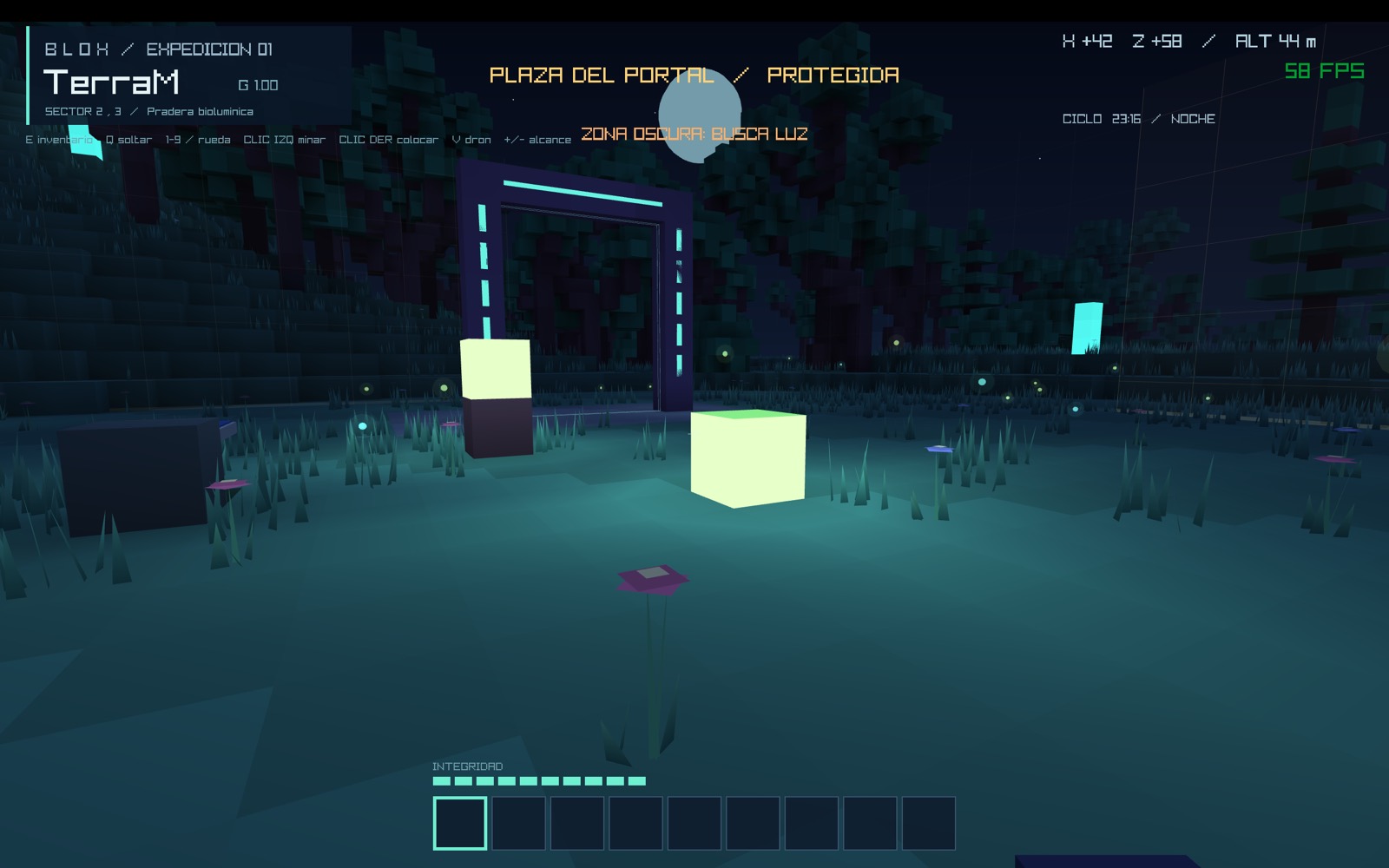
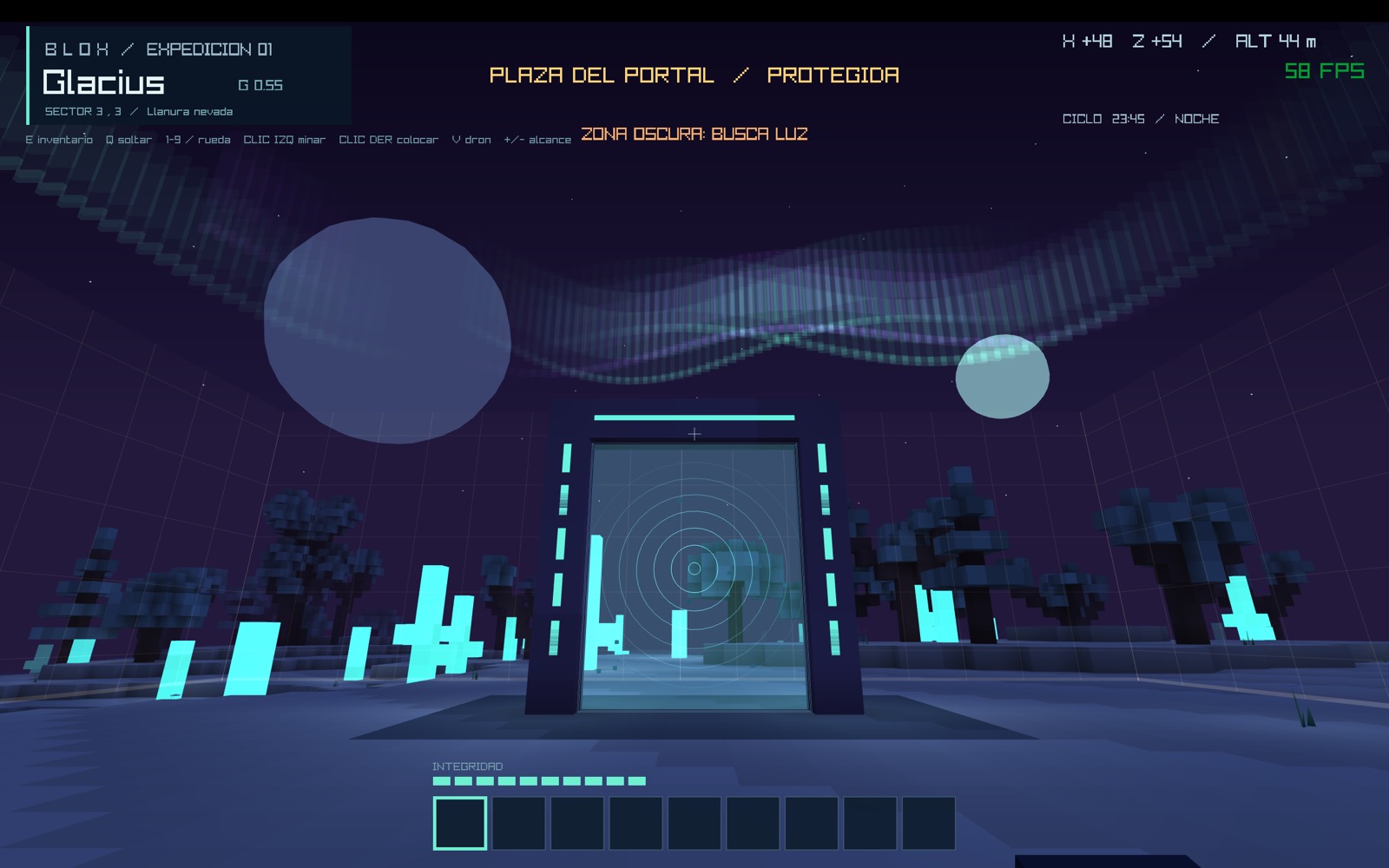
An infinite science-fiction voxel world. Mine crystal and titanium on TerraM, build a solar grid, hold off the trackers at night, power the portal and jump to Glacius, the ice moon.

Apple Silicon and Intel · macOS 11 or later

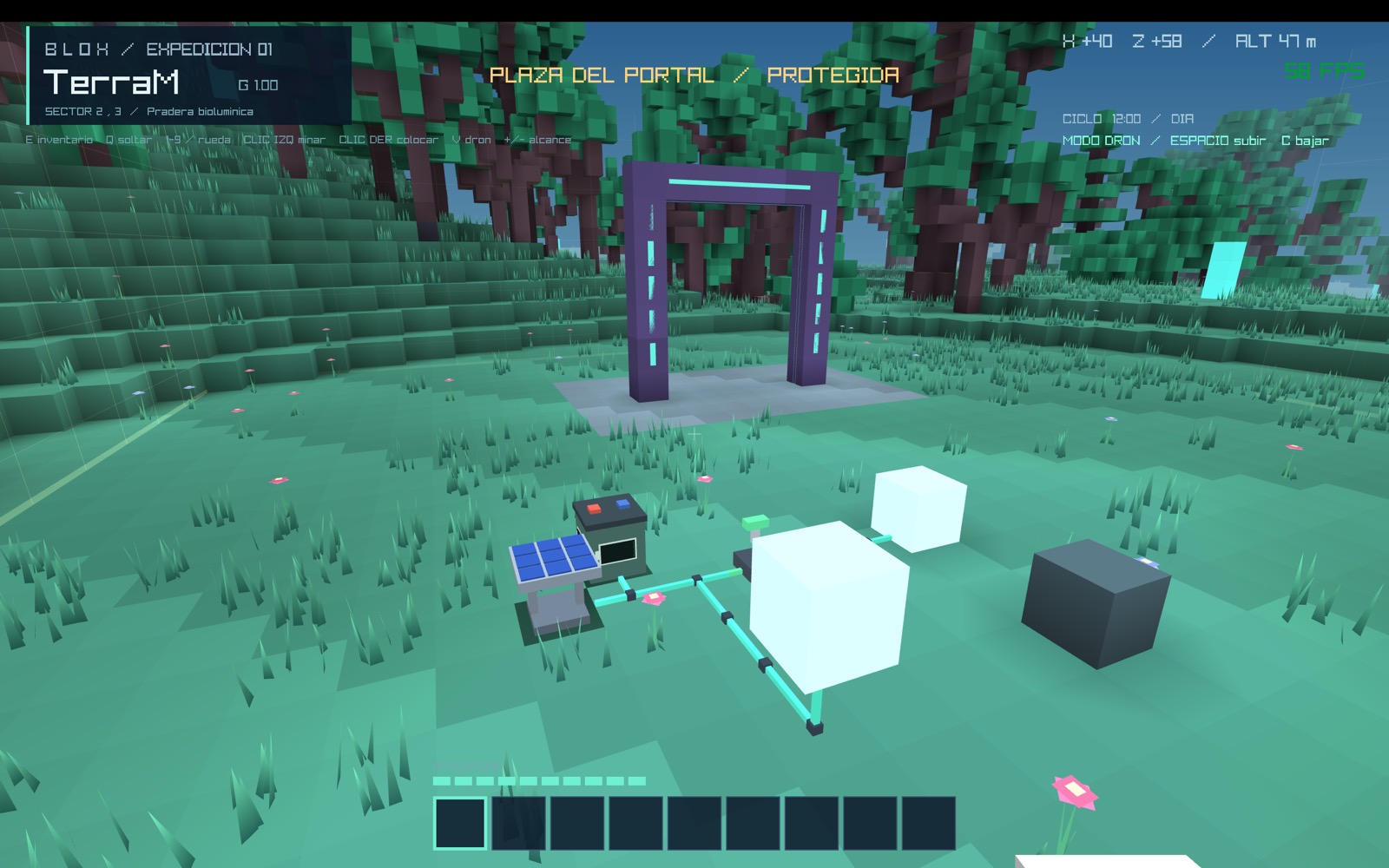
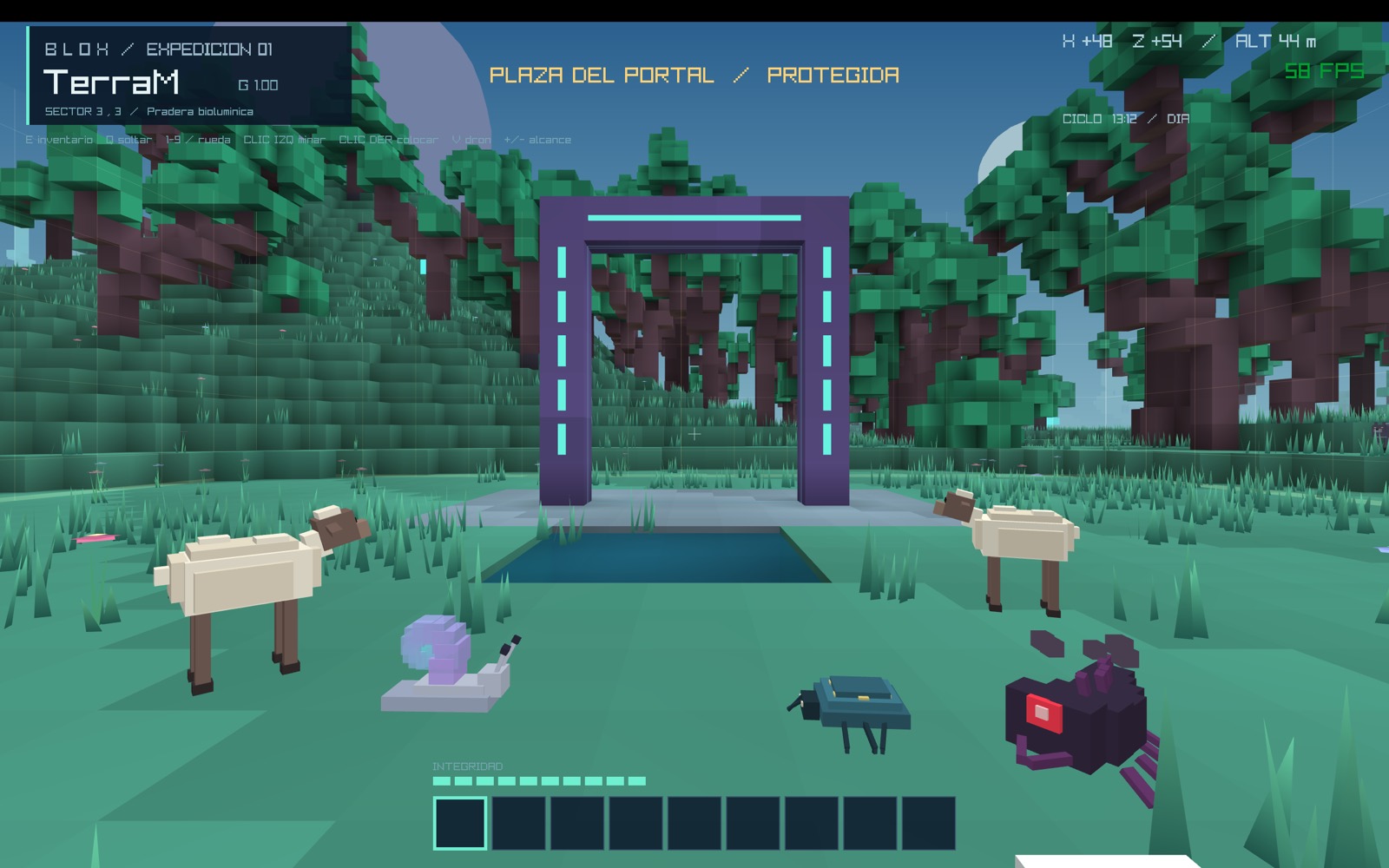
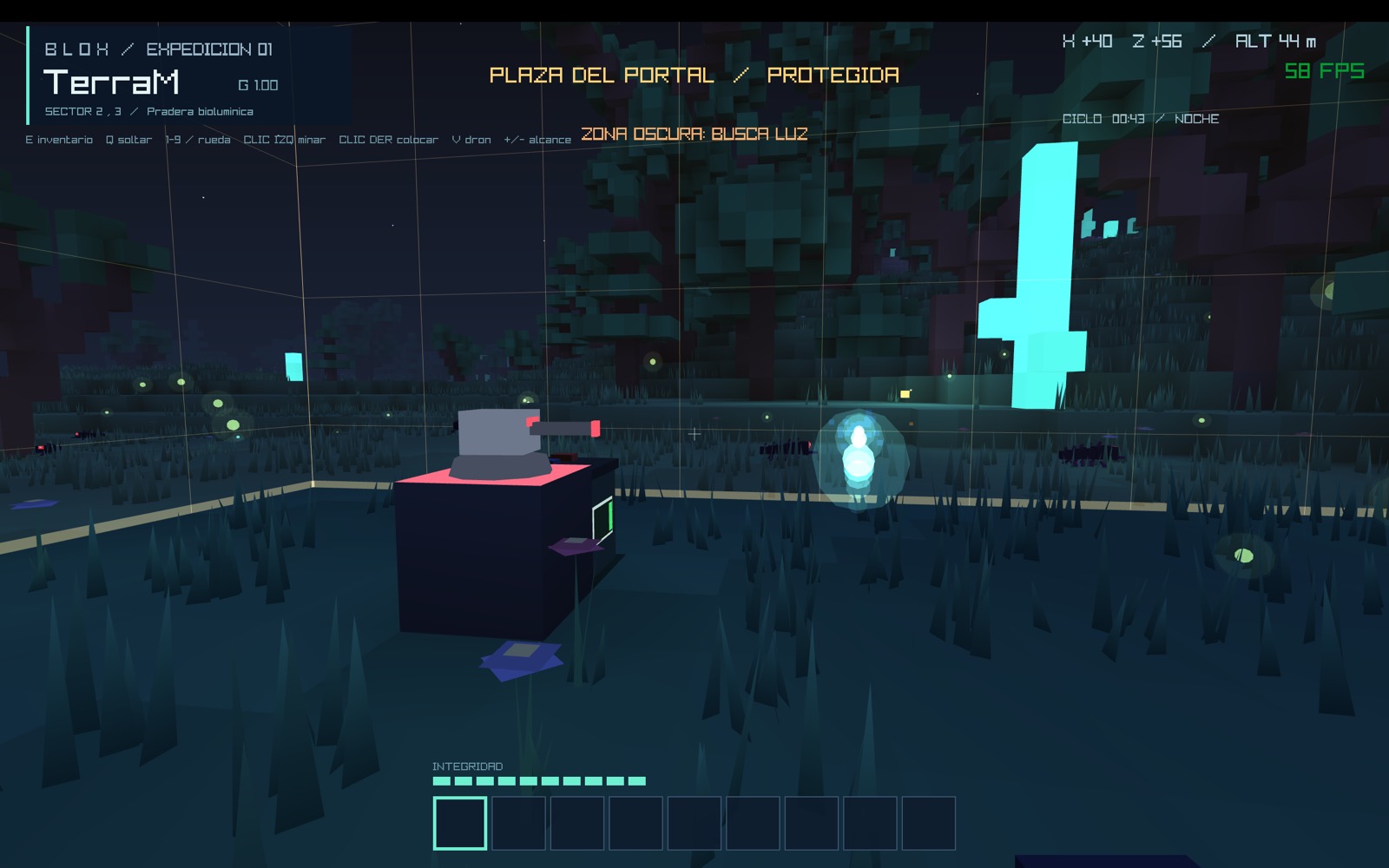
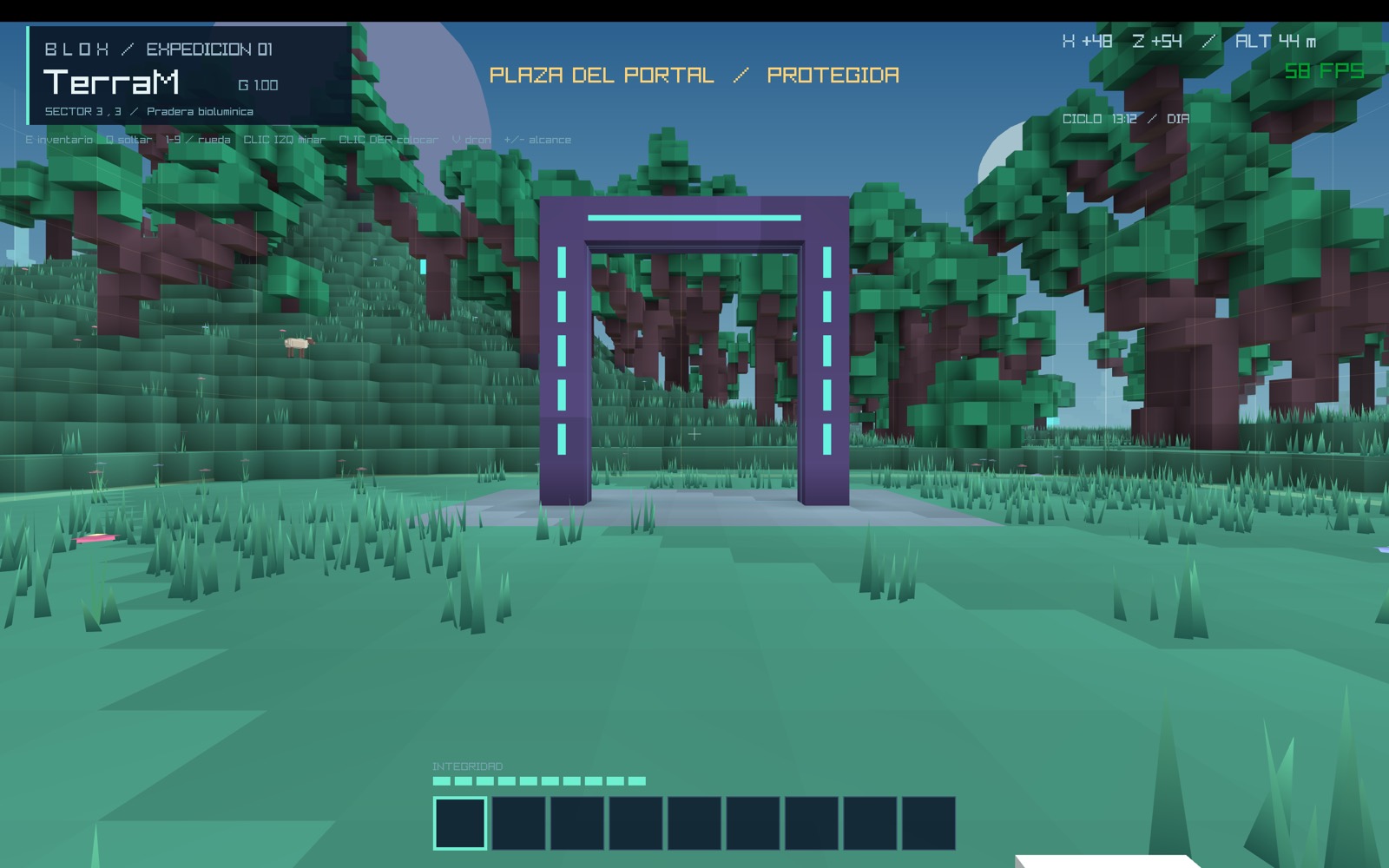
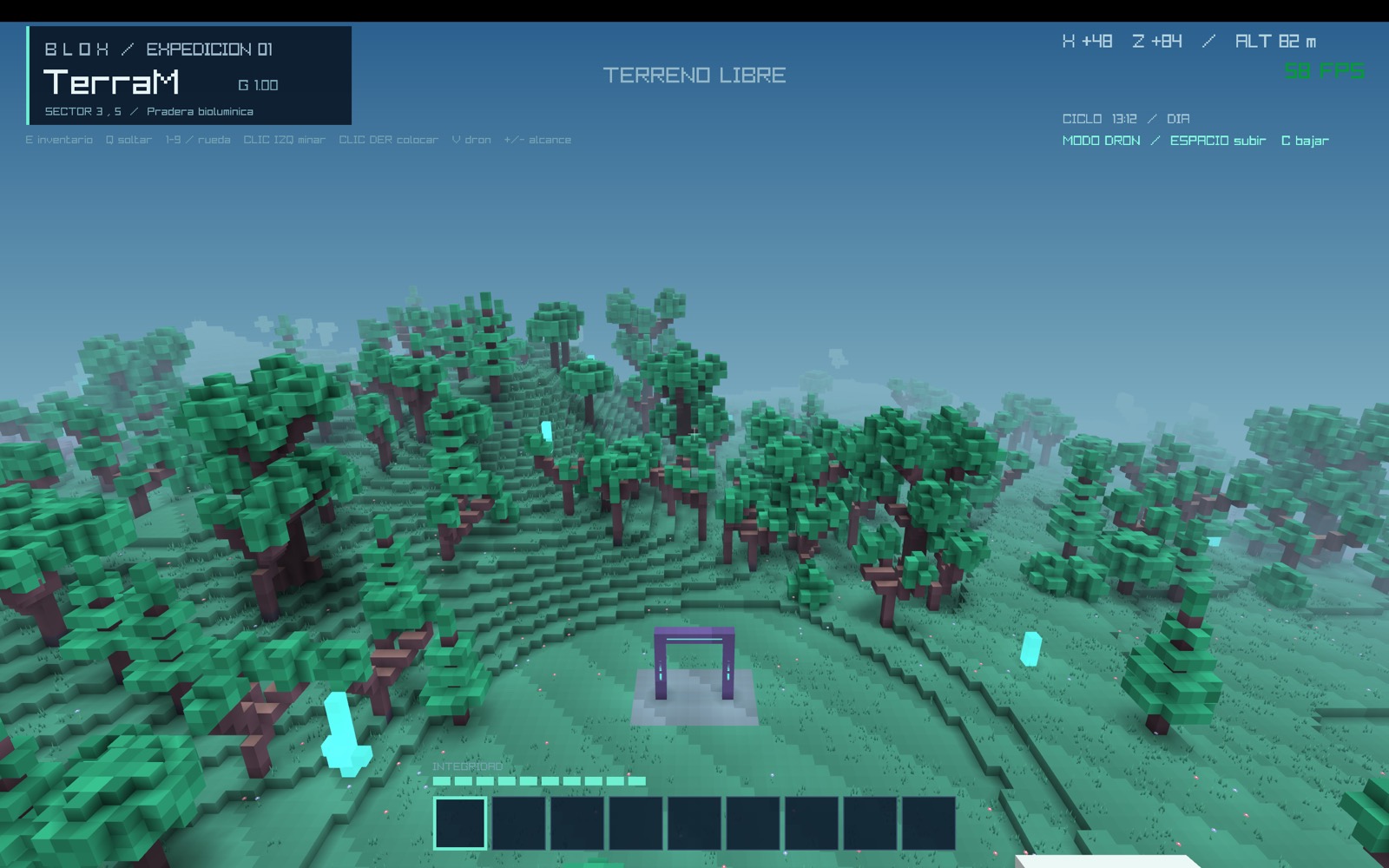
The portal plaza on TerraM, surrounded by forests

01Download

Latest version

—

Released
—
Size
—
Build
—
Co-op protocol
—
Download Blox-macOS.zip

SHA-256 —

Install

  1. Unzip Blox-macOS.zip and drag Blox to Applications.
  2. Double-click it. The app is not signed by Apple, so macOS will block it the first time.
  3. Go to System Settings → Privacy & Security and click Open Anyway next to the Blox notice. Only needed once.
  4. If you prefer the terminal: xattr -dr com.apple.quarantine /Applications/Blox.app

Games are saved in ~/Library/Application Support/Blox/worlds/. Updating the app keeps your worlds. The game follows your Mac's language; switch between Spanish and English with ES | EN in the main menu.

What's new

  • Loading…
Source code on GitHub →

02How to play

Controls

WASD · mouseWalk and look
SpaceJump · swim up · glide while falling with the Glider wing
ShiftRun
Left clickMine (hold) · attack · shoot
Right clickPlace · open the Fabricator or Refinery · catch fireflies · use capsule or gel · toggle switches and gates
1–9 · wheelSelect a hotbar slot
EInventory and suit fabrication
Q · Ctrl+QDrop one · drop the stack
GPick up or place a component (battery, panel, turret…)
FInsert the Jump cell into the portal
VDrone mode: free flight (Space up, C down)
+ / -Sensor range (view distance)
R · Esc · F3Back to the plaza · pause · diagnostics

In the inventory: click moves, right click splits or leaves one unit, Shift+click moves between hotbar and backpack, 1–9 over a slot swaps it with the hotbar. In fabrication: click makes one, Shift+click makes as many as possible.

Expedition route

  1. Fell trees. Break logs by hand and turn them into biocomposite panels and rods from your suit (E).
  2. Fabricator. With 4 panels, place it and open it with right click. Make a biocomposite drill and cutter.
  3. Rock and crystal. Rock only drops something with a drill. Gather rock and crystal for the Refinery.
  4. Power. The Refinery draws 80 W: set up solar panels, cable and batteries.
  5. Titanium. Refine titanium ore with crystal into ingots; with them, titanium drills, plates and weapons.
  6. Night. Trackers appear in the dark. Strong light repels and burns them; their core shards are key.
  7. Jump. Fabricate the Jump cell, insert it into the portal with F and walk through to Glacius.

03Manual

Entries generated straight from the game's code on every release: the values you see here are the ones the engine uses.

Loading engine data…

04Mechanics

Suit

Integrity is points. Without taking damage for s, the suit recovers 1 point every s. Nutrient gel repairs points.

Underwater, oxygen lasts s; once empty you lose points per second. Falls of more than 3 blocks deal 1 point per extra block.

At 0 you are reconstituted at the portal plaza with your inventory.

Light, day and night

Each day lasts 20 minutes, with sunsets, stars and moonlight. There is sky light and block light, from 0 to 15, fading with distance, leaves and water.

With block light or more, trackers back away; from they also burn. Lamps, lanterns, flares, crystals and starblooms give light.

Water

Seas and lakes below level . Springs create 7-level streams that seek the nearest slope, form waterfalls and dry up when the spring is removed. A new spring appears between two springs.

The Hydraulic capsule collects and pours water. On Glacius the seas are frozen: ice on top, water below.

Power: a V grid

Parts touching by a face share a circuit; there are no diagonal connections. An open switch separates grids, and circuits never pass power to each other.

  • The sun powers devices first; the surplus charges the circuit's batteries. When production falls short, the batteries cover the deficit.
  • A shaded panel (block, leaves or water above) produces nothing. Output follows the sun's height.
  • If a circuit cannot cover its load, all its consumers switch off until there is reserve for about 5 s.
  • Looking at a part shows its circuit: production, load, charge and estimated night autonomy.
  • Cable turns turquoise when powered. The Fabricator is manual and needs no power.

First setup: solar panel → cable → battery → cable → switch → lamps. Keep the panel and battery on the supply side so you can switch the lamps off without cutting the charge.

A living world

The ecosystem changes through random updates: leaves more than 4 steps from wood decay and drop saplings; saplings grow into trees; grass spreads over bare soil and dies under blocks.

At night fireflies appear over the grass: catch them with right click.

Land claims

A Property beacon claims × chunks around it, from bedrock to sky. Only the owner and their members can build, break, use stations, open gates or move water.

Right click your beacon to give or remove access for connected players. Breaking it releases the land. The portal plaza is always protected.

Carrying components

Aim at a battery, panel, turret, lamp, lantern, Fabricator or Refinery and press G to pick it up; press again on a surface to place it (green outline: valid).

Batteries keep their charge. While carrying something you walk at 65% and cannot mine or shoot.

Travelling between planets

The Jump cell is inserted with F; the portal lights up with a vortex and walking through it jumps you. Inventory, suit and time travel with you, and each planet keeps its own world.

The return portal on Glacius is always active.

Tools

Rock, titanium ore, the Refinery and plates need a drill to drop anything. Drills and cutters speed up their blocks and wear out with use; titanium ones are faster and last five times longer.
05Co-op

Play with friends

Over the Internet, without opening ports:

  1. The host picks a world and clicks Host online. A code like K7M-9QX appears at the top right (and in the pause screen).
  2. The others type that code in Join (or paste it with Cmd+V).
  3. The code is saved with the world: next time you host that world your friends use the same one.

On the same network: click Host on LAN and the others type the IP shown in the menu (port ). macOS will ask to allow incoming connections the first time.

Everyone must use the same version (protocol ).

How it works

  • The host simulates the world: water, plants, creatures, birds, power and time of day. The online server only connects players.
  • When joining, only modified chunks are sent; the rest is generated from the seed.
  • Each player keeps their own inventory and suit. It is a trusted co-op: share the code only with friends.
  • Your identity is private: others cannot impersonate you or take your land.
  • Guests keep a copy as Coop-<world> and can host it if the original host is away.
  • The host uses the portal and takes everyone to the other planet.
  • Weapons never hurt players or break blocks.

06Frequently asked questions

Is BLOX free?

Yes. BLOX is a free download with no in-game purchases.

Which Macs does BLOX run on?

Any Mac with macOS 11 or later, both Apple Silicon (M1, M2, M3, M4…) and Intel.

macOS won't let me open BLOX, what do I do?

The app is not signed by Apple. Go to System Settings → Privacy & Security and click Open Anyway next to the Blox notice. You only need to do this once.

Can I play online with friends?

Yes. Click Host online and share the code that appears; your friends type it in Join. No router ports need to be opened.

Is there a Windows or Linux version?

For now BLOX is only available for Mac.