
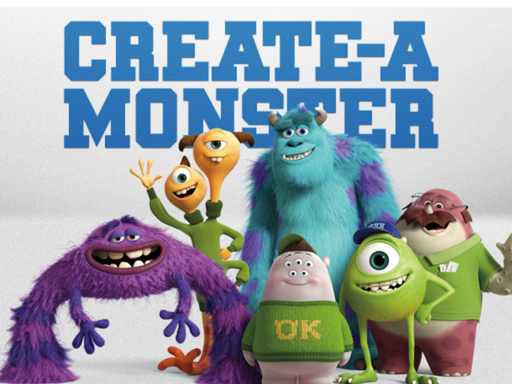
Monster Maker video walkthrough
More like this
See all Animal Transport TruckHypercasual
 Hoop Stack Brain Puzzel GameHypercasual
 Incredible Kids DentistHypercasual
 Watermelon Merge 4Hypercasual
 Simply Simple MathsHypercasual
 move downHypercasual
 Runaway The TruckHypercasual
 Balloon Shooter Archery GameHypercasual
 Slicey MergeHypercasual
 Balloon BoomHypercasual
 Atom FallHypercasual
 Weird Toilet Flush!Hypercasual